Main software/skills used:
- Unreal Engine
- UI
- Animation
What is AscensionZ?
AscensionZ was my first time using Unreal Engine 4, and my task was to make a fully funtional mock-up of a main menu for one of my assignments in Level 5 Computer Games Programming. The result? Me spending all my spare time I had when I was working on this project perfecting what I had, because of my fascination at the time with UE4, blueprints and animations.
Appearance
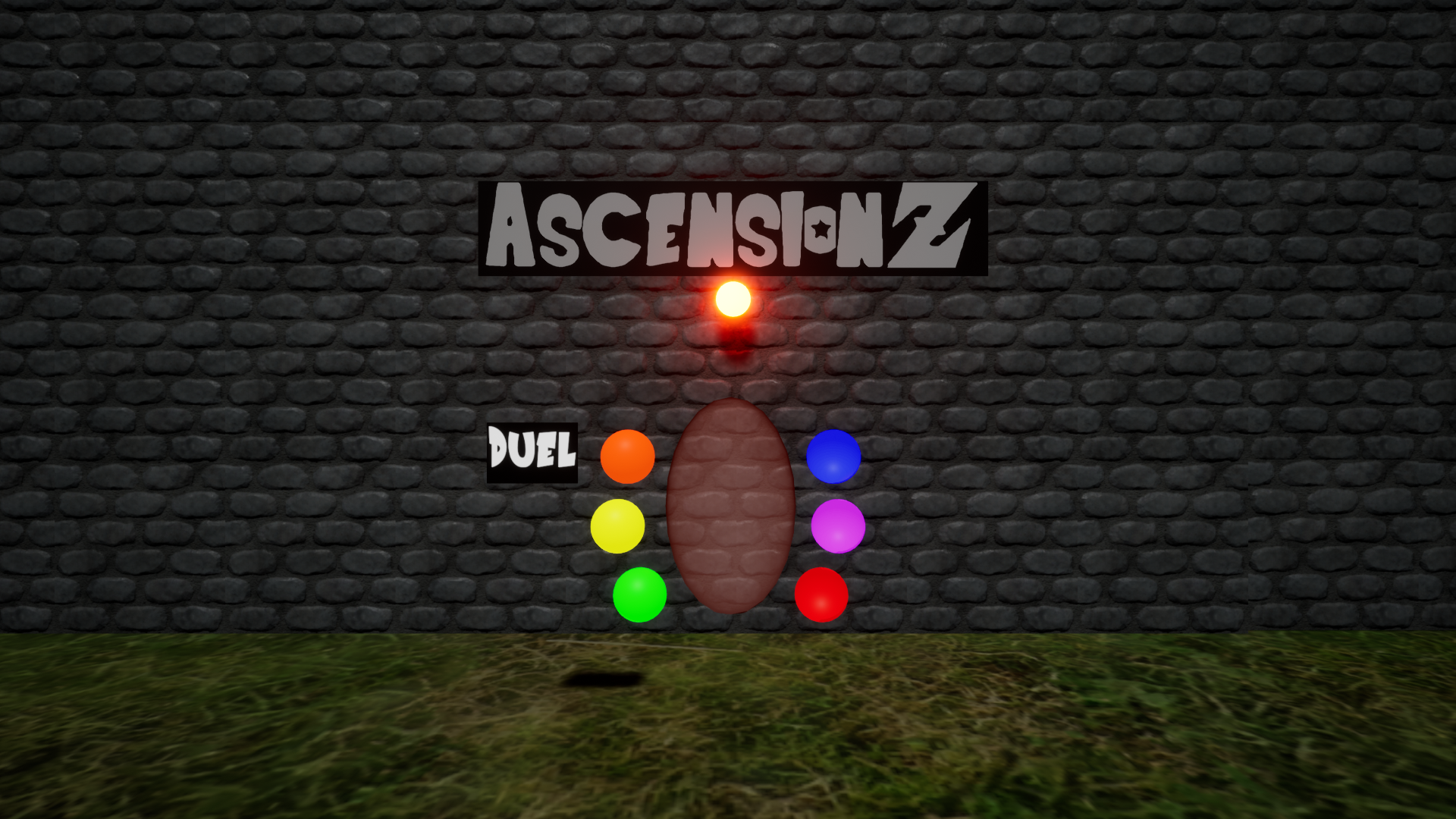
This game was greatly inpsired by Ascension Academy, and the main menu is meant to
resemble the portals that exist in the Academy. Each of the main 5 menu options
have a camera pan in/out animation when the option is selected or returned from respectively, meant
to appear as if the player is selecting a destination and walking into the portal.
When an option is being hovered over, the colour of the portal and the lamp above it will change
according to the hovered option's colour, and a banner with the name of the option will move from
the previously hovered option and changing the text on it, letting the player know which option they
are hovering over. The menus themselves have a continuous fade in and out animation, with their
colour changing to the colour of the just selected option.
Functionality
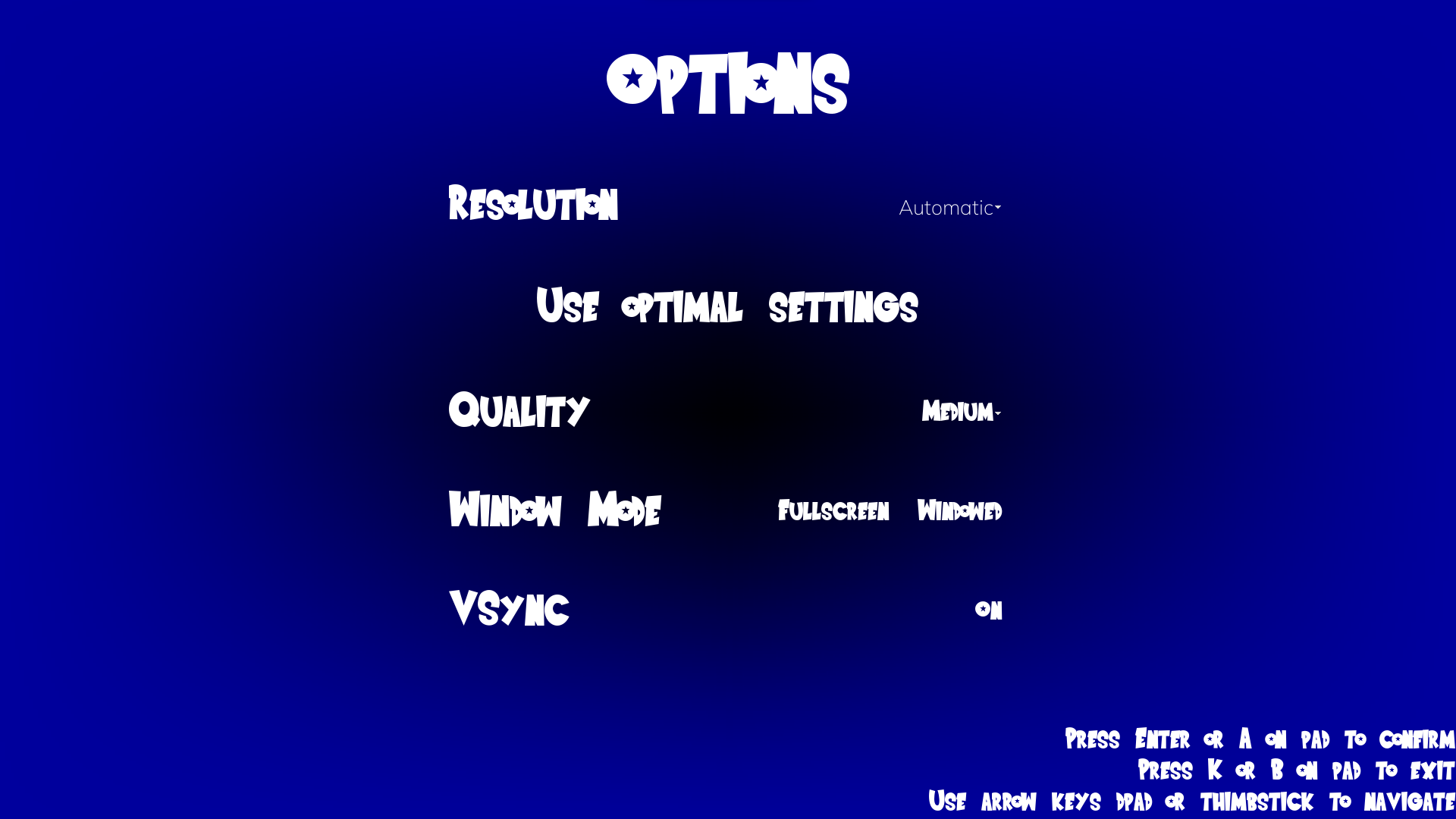
From the main menu, you are able to enter a selection of modes, divided between gameplay-realted elements on the left side of the menu, and the functional menus on the right. You are able to navigate the menus by using WASD/arrow keys on keyboard, or left thumbstick/D-pad on a controller, confirm by pressing J/Enter (keyboard) or A/X (Xbox/PS), and return to last menu by pressing K (keyboard) or B/O (Xbox/PS). 5 of the 6 main menu options will lead you to a submenu, with the Quit option quitting the game when selected. The gameplay options will load the next appropriate scene depending on the option selected, while the Credits option will show the credits screen, and the Options submenu will show a variety of game options, all fully functional, with a "Use optimal settings" button that will automatically adjust the game to best suit the player's hardware.